OA系统集成
1、泛微OA系统接口信息收集
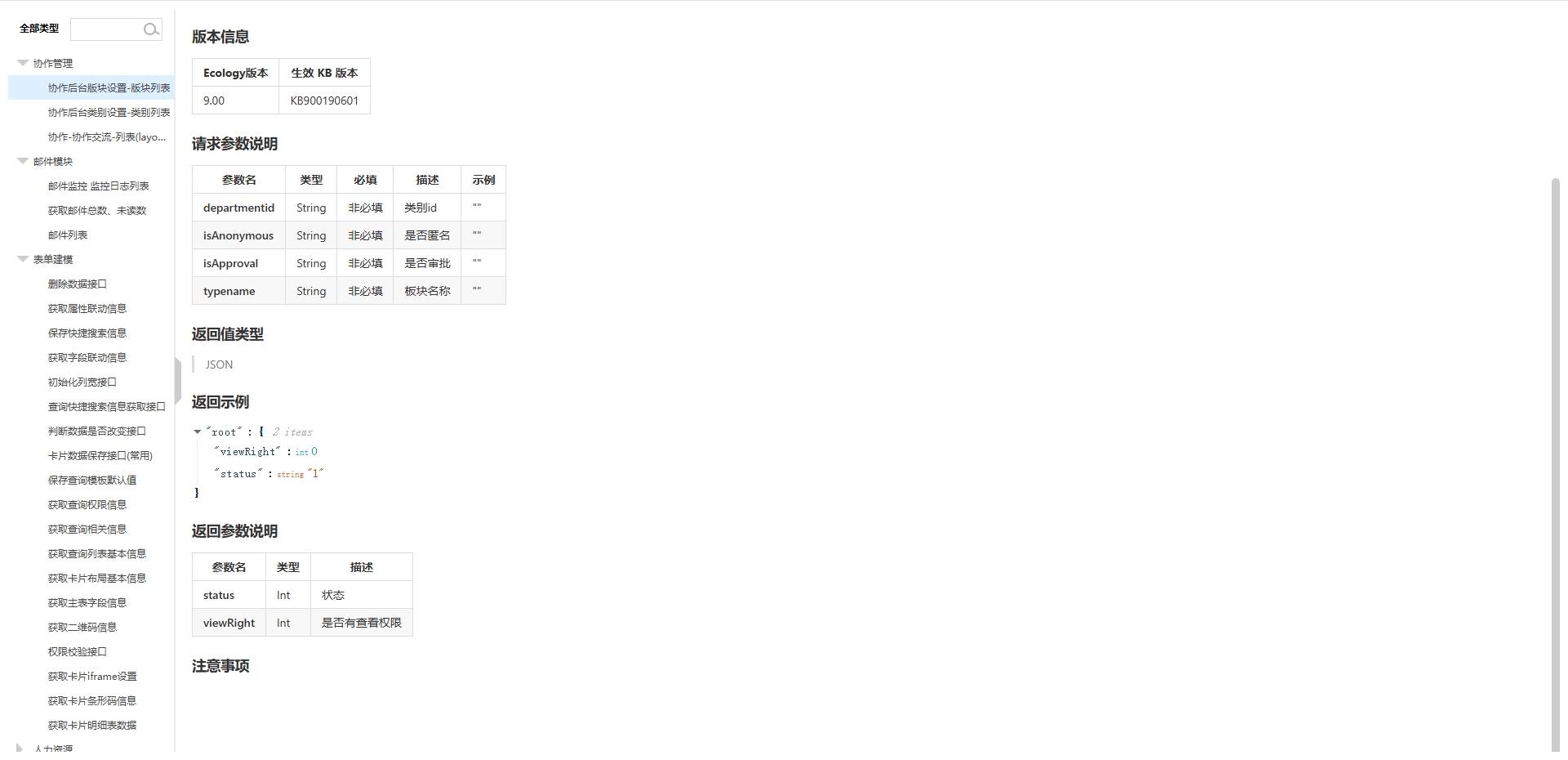
接口名称:协作后台版块设置-版块列表(接口示例,这里不一一列举)
接口地址:
https://e-cloudstore.com/ec/api/applist/index.html#/
接口示例:
请求方式:get
请求地址:/api/cowork/type/getCoworkTypeList
版本信息:Ecology版本:9.00、生效 KB 版本:KB900190601
请求参数说明:
| 参数名 | 类型 | 必填 | 描述 | 示例 |
|---|---|---|---|---|
| departmentid | String | 非必填 | 类别id | "" |
| isAnonymous | String | 非必填 | 是否匿名 | "" |
| isApproval | String | 非必填 | 是否审批 | "" |
| typename | String | 非必填 | 板块名称 | "" |
返回值类型:JSON
返回示例:
{
  "root": {
    "viewRight": 0,
    "status": "1"
  }
}
返回参数说明:
| 参数名 | 类型 | 描述 |
|---|---|---|
| status | Int | 状态 |
| viewRight | Int | 是否有查看权限 |
API接口截图示例:
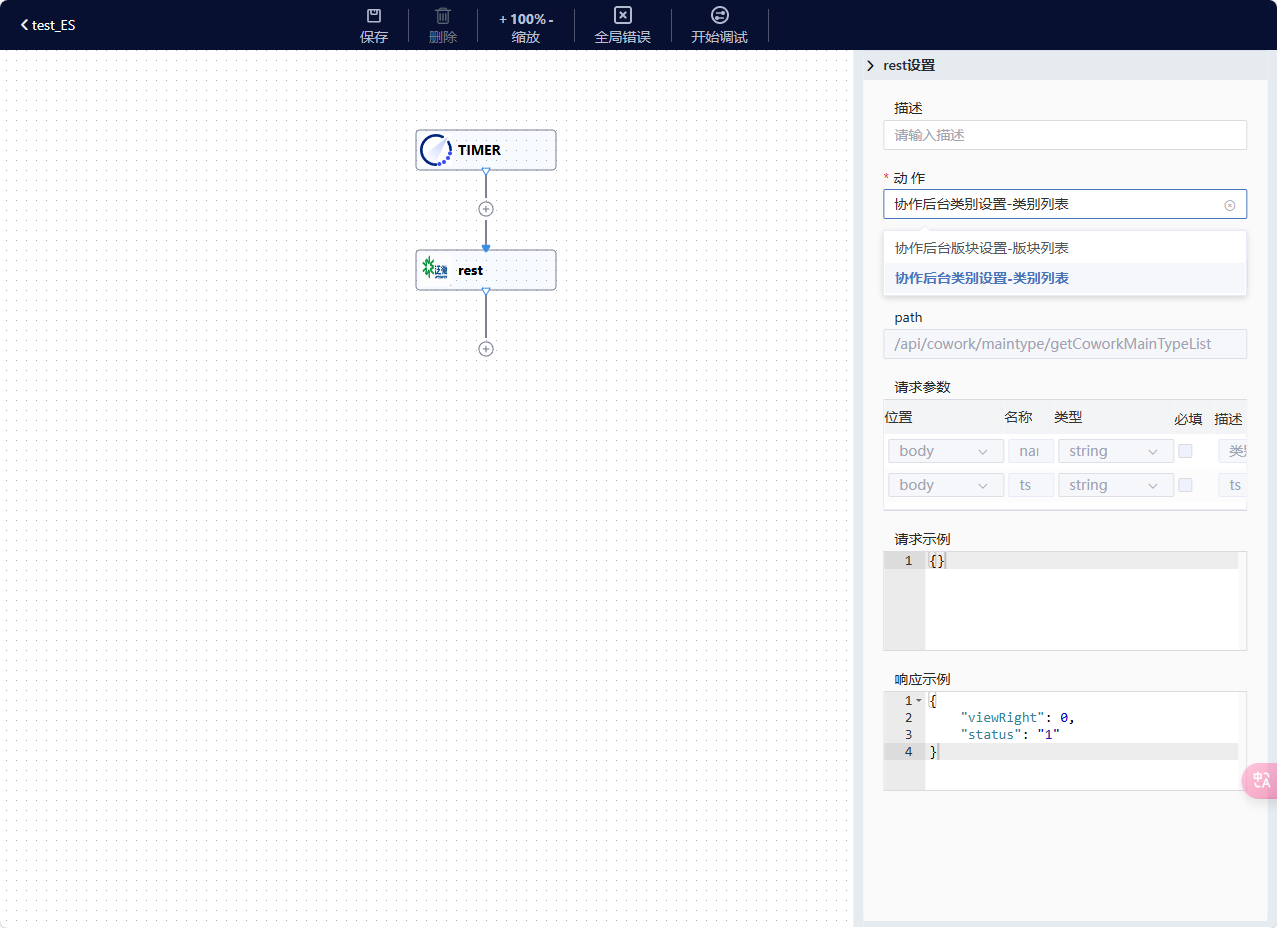
2、ESB7集成泛微系统API接口
2.1将泛微OA接口整理成json格式,用于添加自定义组件
{
	"type": "agent",
	"order":999,
	"outTemplateConnector": "restApi",
	"outProperties": [
		{
			"description": "协作后台版块设置-版块列表",
			"inputDataShape": {
				"specification": "",
				"parameters": [
					{
						"name": "departmentid",
						"in": "path",
						"description": "类别id",
						"required": false,
						"type": "json"
					},
					{
						"name": "isAnonymous",
						"in": "body",
						"description": "是否匿名",
						"required": false,
						"type": "json"
					},
					{
						"name": "isApproval",
						"in": "body",
						"description": "是否审批",
						"required": false,
						"type": "json"
					},
					{
						"name": "typename",
						"in": "body",
						"description": "板块名称",
						"required": false,
						"type": "string"
					}
				]
			},
			"outputDataShape": {
				"specification": "{\"viewRight\":0,\"status\":\"1\"}",
				"responseParameters": [
					{
						"name": "status",
						"description": "状态",
						"type": "Int"
					},
					{
						"name": "viewRight",
						"description": "是否有查看权限",
						"type": "Int"
					}
				]
			},
			"properties": {
				"httpMethod": {
					"defaultValue": "GET"
				},
				"path": {
					"defaultValue": "/api/cowork/type/getCoworkTypeList"
				}
			}
		},
		{
			"description": "协作后台类别设置-类别列表",
			"properties": {

				"path": {
					"defaultValue": "/api/cowork/maintype/getCoworkMainTypeList"
				}
			}
		}
	]
}
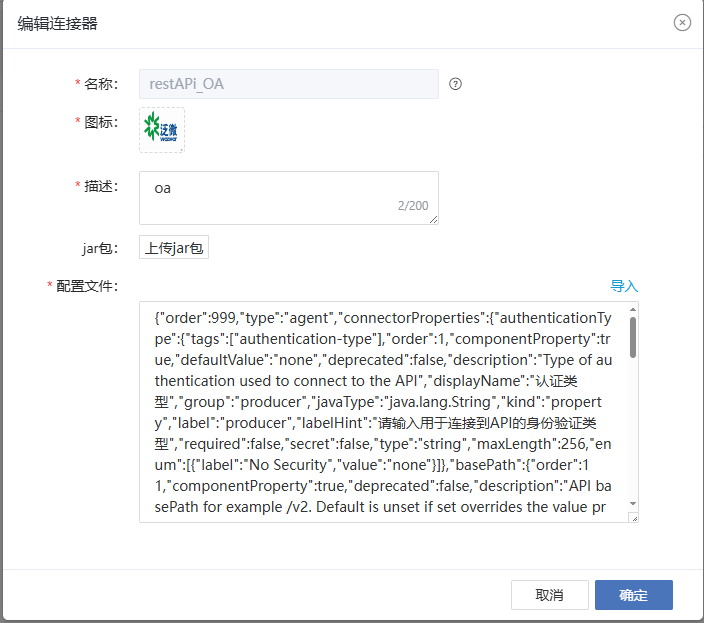
2.2创建自定义连接器,输入名称、图标、导入整理后的API接口json格式文件
1、创建自定义连接器
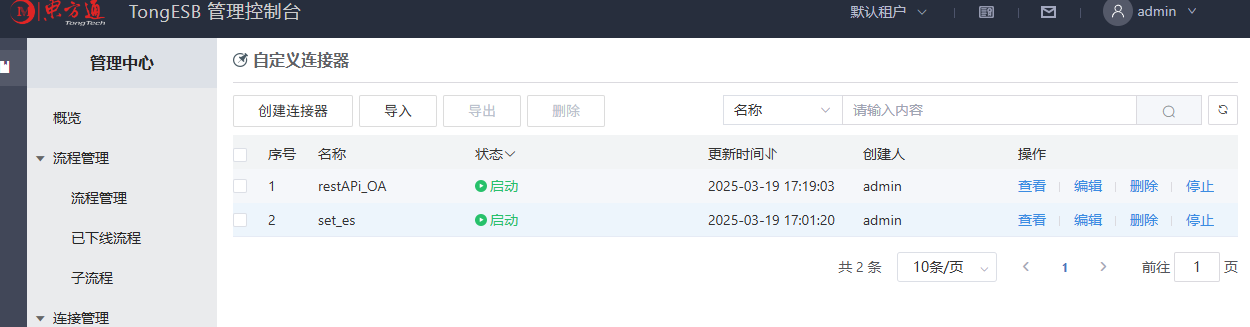
2、列表查看
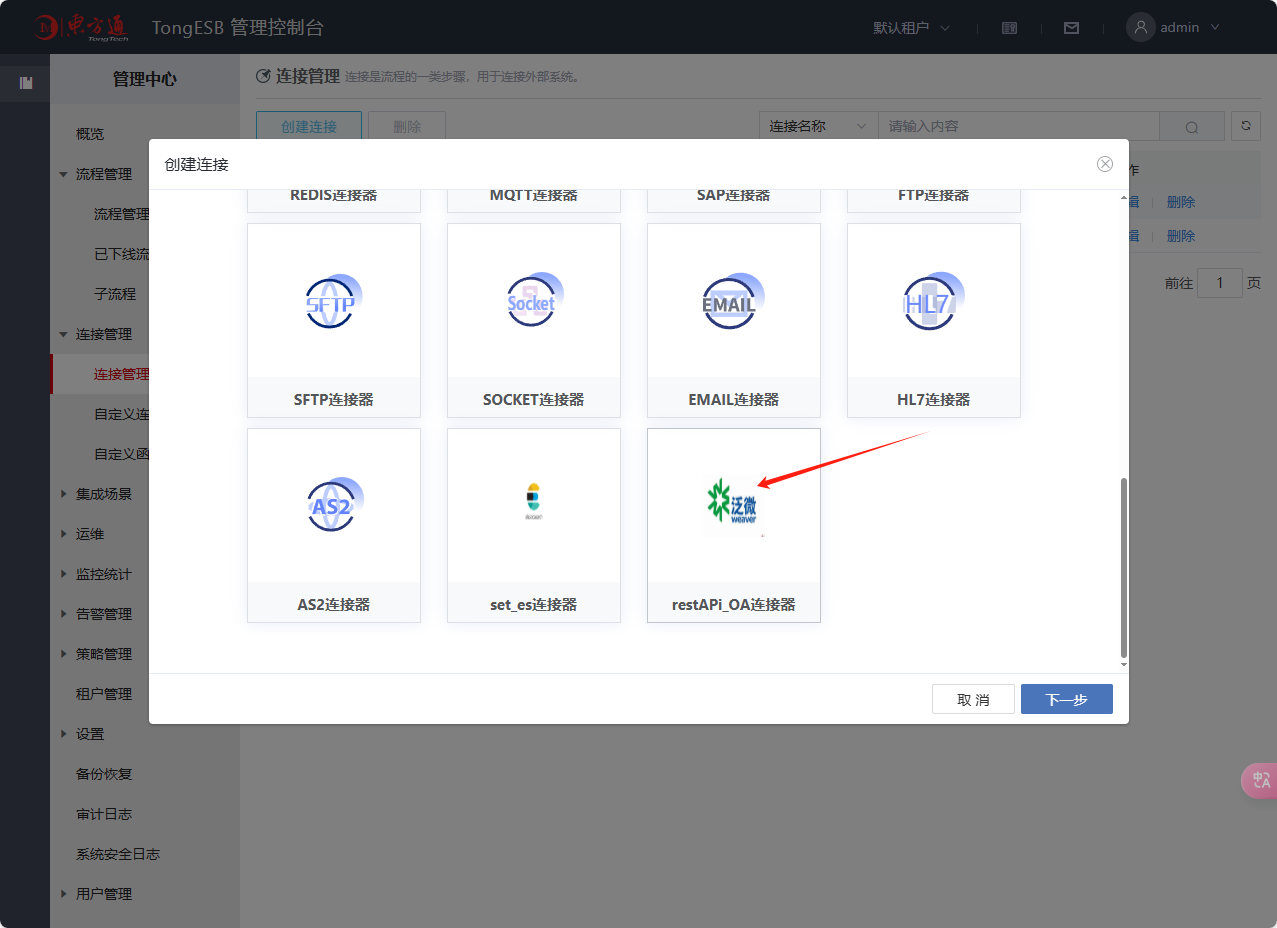
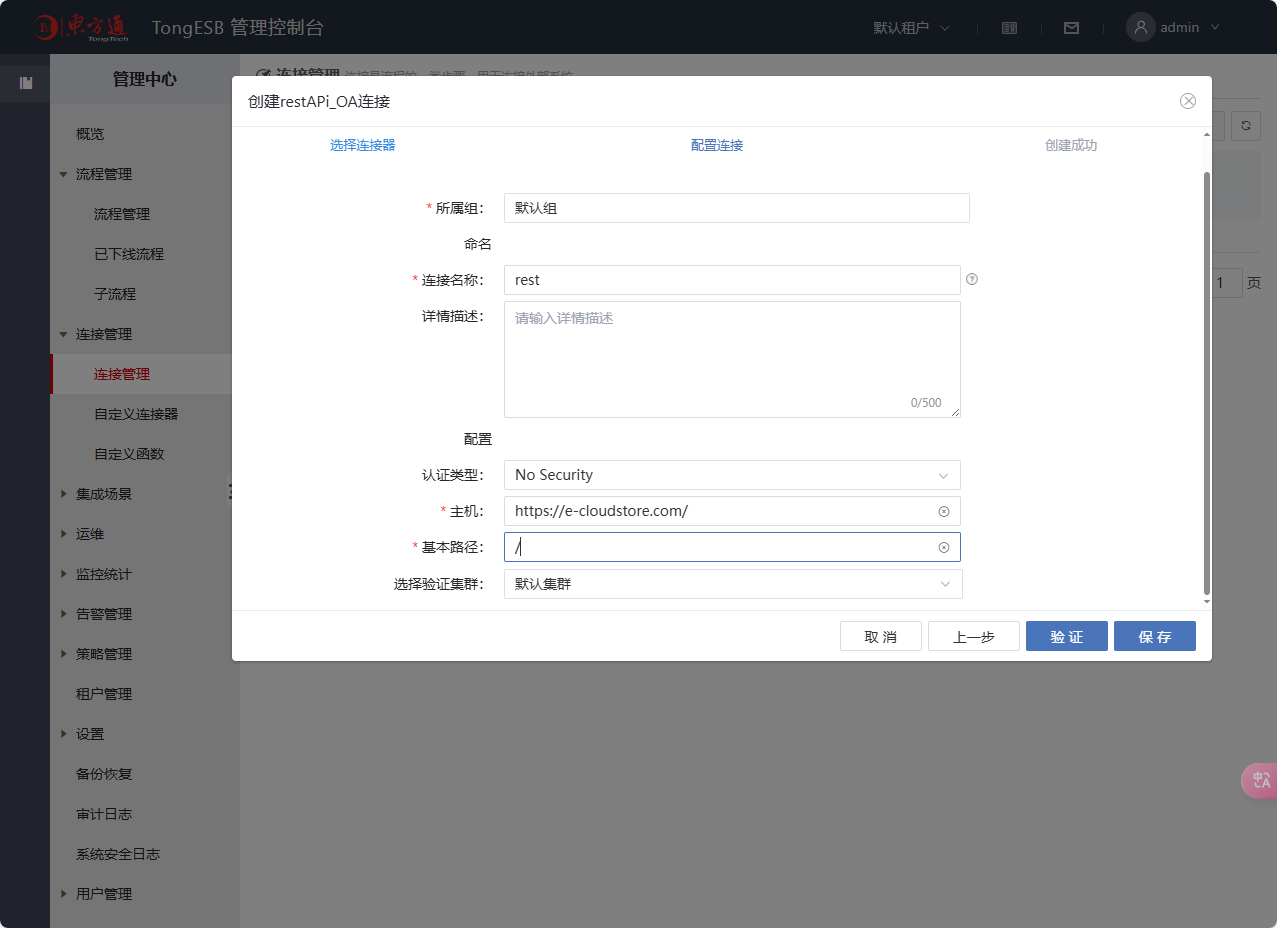
3、创建链接
5、创建流程中的链接
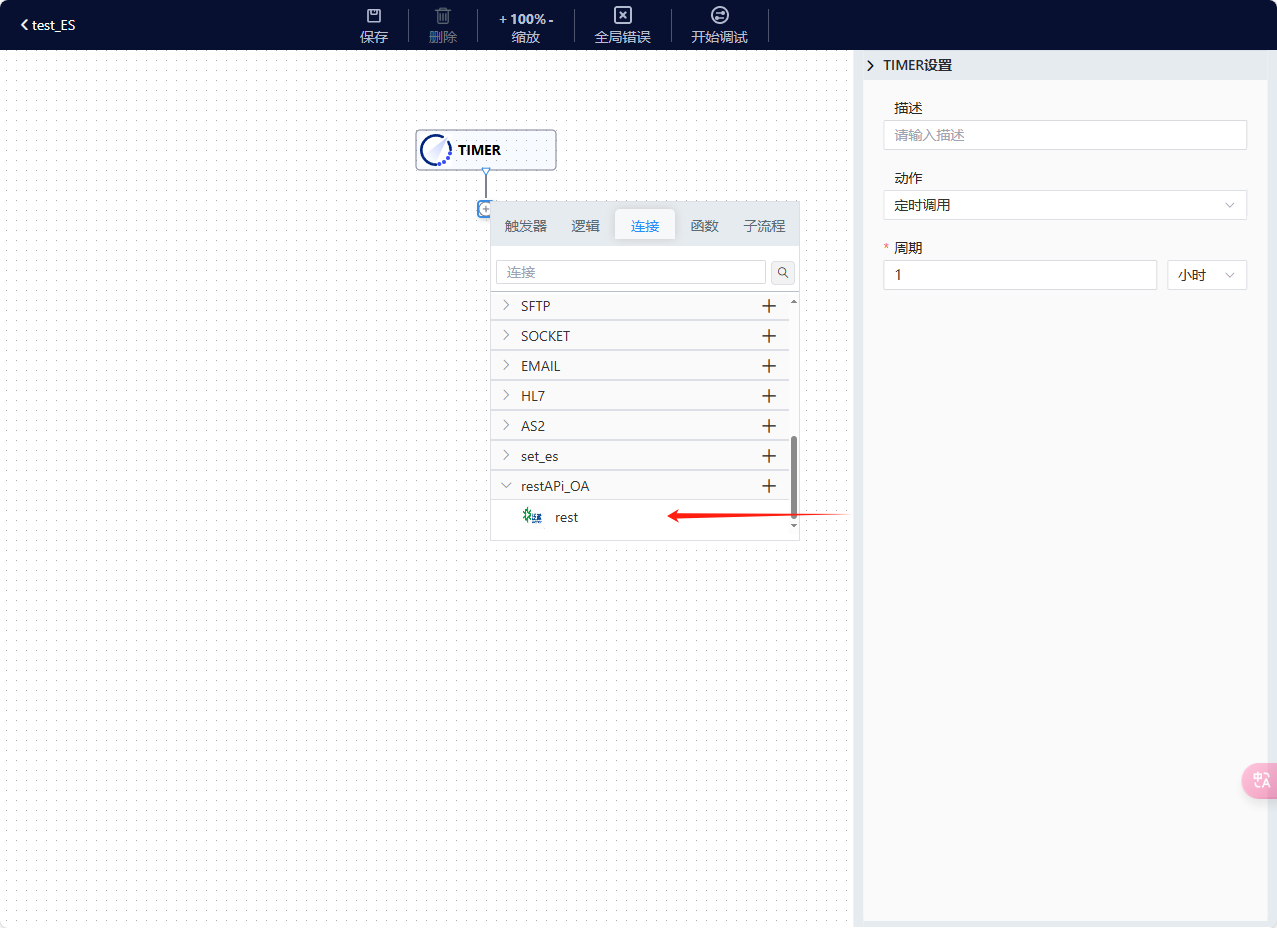
6、选择需要代理的接口